GERP ODOO Course
Completed
Documents (files)
The document manager with the thumbnail of the first page of each PDF.
Video course with Ximena and Marc
Press «Empezar» (Start) and turn the volume up: they show you with voice-over and subtitles (in Spanish), in about 3 minutes.
Open full screen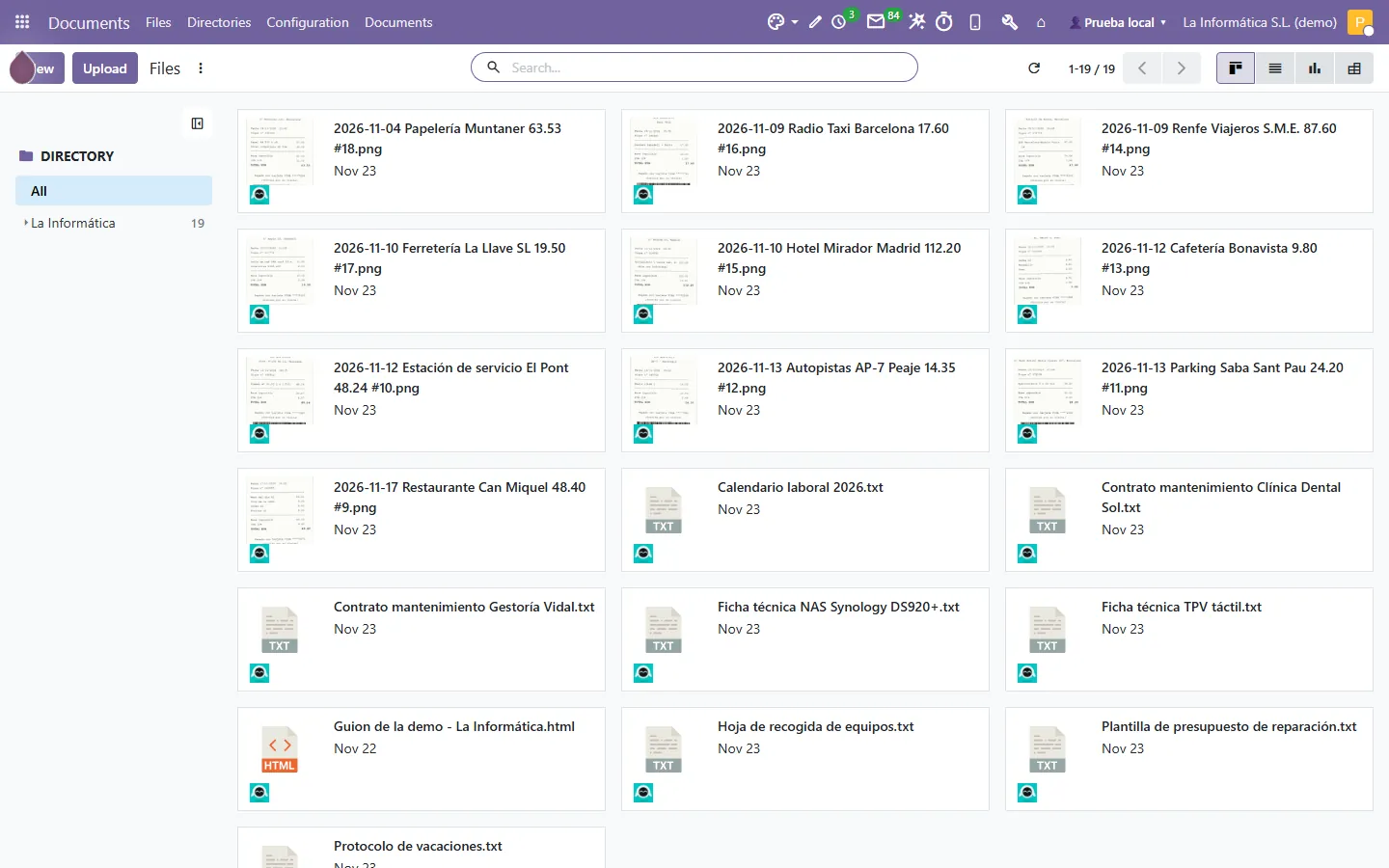
1. Files and folders
Documents menu › Files and Folders. The first time you view a PDF, its thumbnail is drawn.
2. Upload files
«Upload».
3. The folders
Documents › Folders › New.
4. The PDF thumbnail
Drawn the first time.
5. Open a document
Click the thumbnail.
6. A customer's documents
Documents tab.
7. Search documents
Search box.
8. Folder permissions
Access groups.
9. The invalid operation warning
Reload (Ctrl + F5).
Frequently asked questions
Where do I store documents?
Documents › Files: «Upload» or drag the file into a folder.
How do I upload a file?
«Upload».
How do I create a folder?
Documents › Folders › New.
How do I see the PDF's first page?
Drawn the first time.
How do I view a PDF?
Click the thumbnail.
How do I store documents on the record?
Documents tab.
How do I find a document?
Search box.
How do I restrict a folder?
Access groups.
How do I remove the warning?
Reload (Ctrl + F5).
Why can't I see Documentos (archivos)?
If you can't see it, your internal user lacks the «documentos» permission: the administrator grants it in Home › Internal users.
The document manager with the thumbnail of the first page of each PDF.
There are no comments for now.