Welcome: what Tapik is
Tapik is GestioERP's POS, inside Odoo: the same screen on the computer, tablet, handheld and Windows, and it keeps selling even if the internet goes down.
In this course you will see how to sell and take payment, how to open and close the till and, if you run a bar or restaurant, how to work with tables, the kitchen and bookings.
What you will see
- GestioERP POS: The GestioERP POS in Odoo for handhelds, tablets, Windows and web: barcode reader, sizes and colours, modifiers, split payments, parked tickets and tables, X report and Z closing, refunds and offline mode (with the on-site server); it saves to Odoo's POS.
- Hospitality and POS: Bars and restaurants as in GestioERP: table plan, send to the kitchen with orders printed by area, notes and on-the-house items, split the bill, pre-order with a pager, kitchen and pick-up screens, bookings (also from the restaurant's website), QR menu and kiosk.

▶ In motion: a sale at the POS, step by step.
- Open cash register: the session opens with the money that is in the drawer.
- Sell: tap the products or read them with the reader.
- Collect: cash, card or several methods at once.
- Ticket: it is printed or sent; if needed, invoice it.
- Closing: cash count and closing of the session at the end.
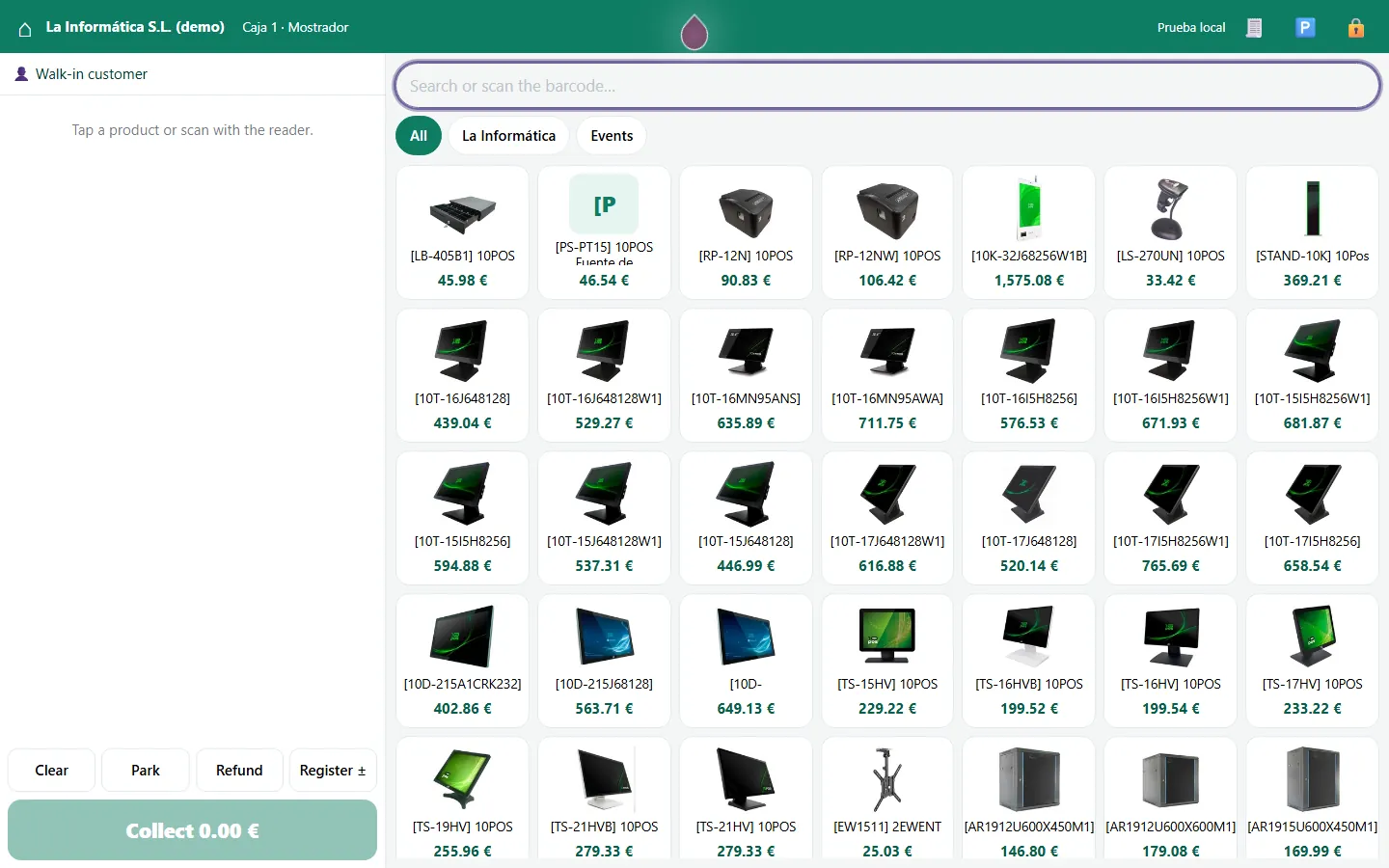
Tapik, the GERP ODOO POS, from start to finish: selling and taking payment, the till, the barcode reader and, in hospitality, tables, the kitchen and pre-orders.
Rating
There are no comments for now.
to be the first to leave a comment.