Clock in
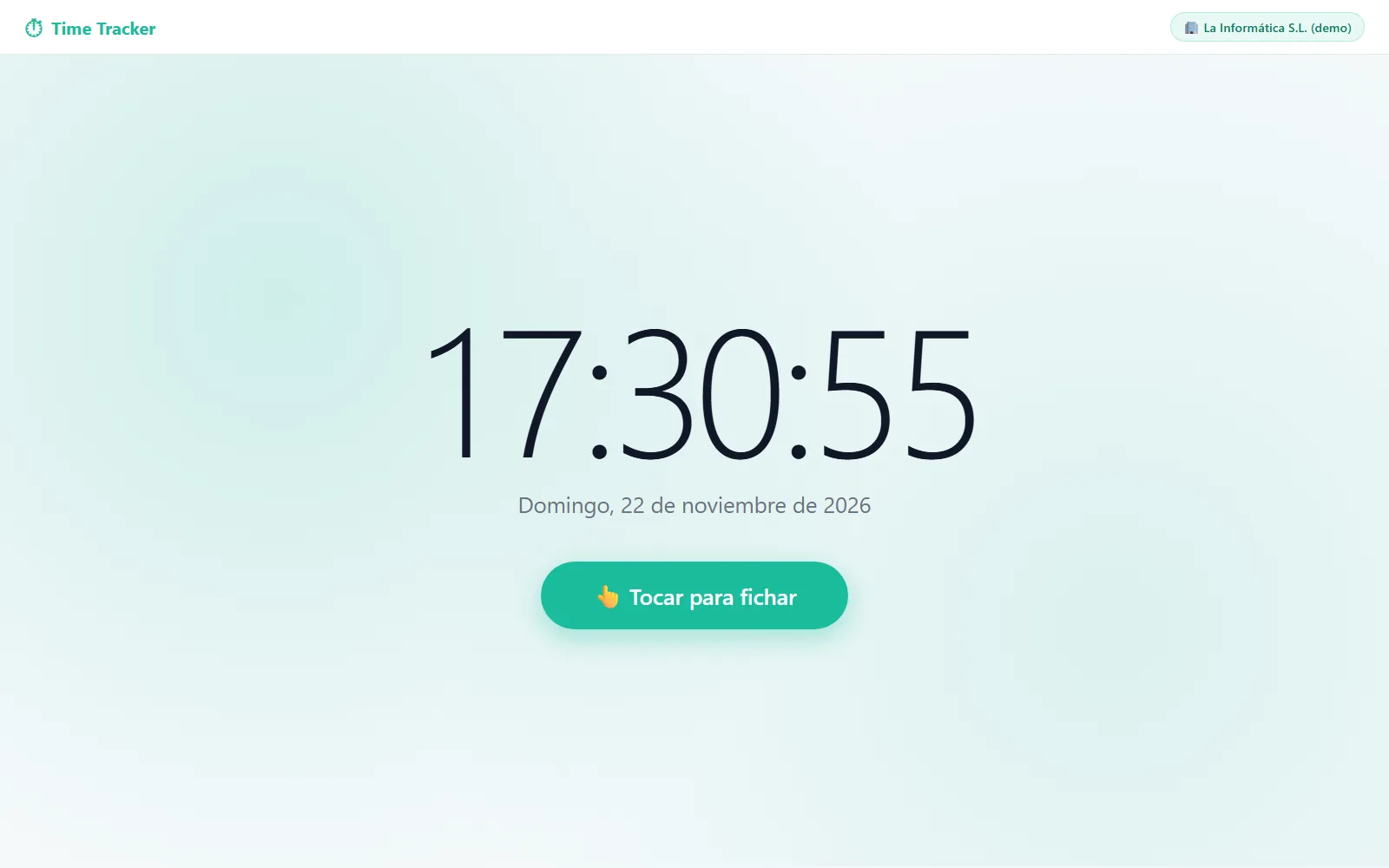
Clock in, breaks and out from the computer, the phone or a kiosk with PIN or QR; hours worked against the calendar; absences and holidays; Spanish public holidays; employee documents; sealed clockings with correction and consent, and a PDF time log to sign.
Video course with Ximena and Marc
Press «Empezar» (Start) and turn the volume up: they show you with voice-over and subtitles (in Spanish), in about 3 minutes.
Open full screenArea: Tools
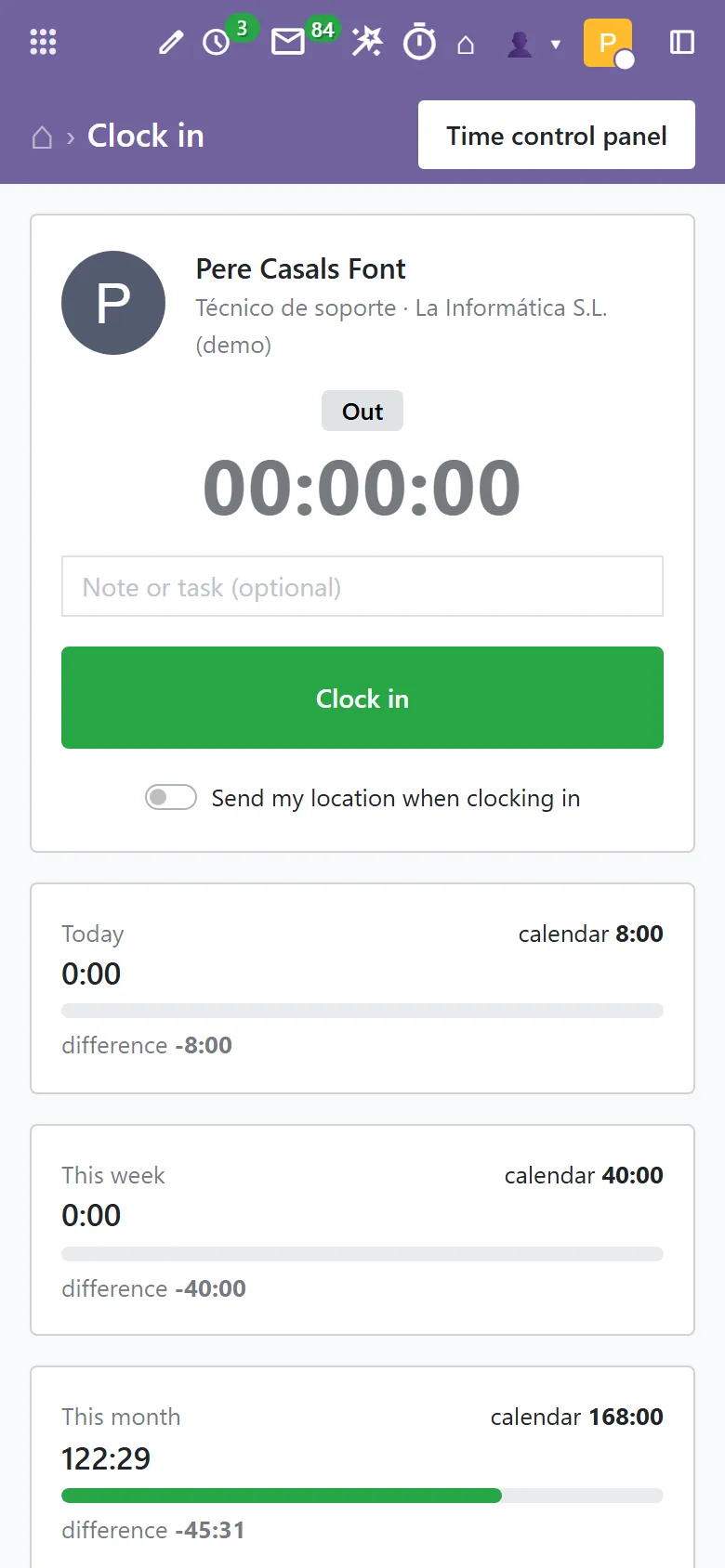
The screen of each worker, on the computer and on the mobile.

▶ In motion: clock in, point by point.
- 1Who clocks in: the employee linked to your internal user.
- 2The timer of the open clocking (without breaks) or the break time.
- 3Clock in, break (rest, meal or personal), return and clock out; with location if you tick it.
- 4Hours worked against those on the calendar (excluding holidays and absences).
- 5The latest clockings, the month's sign-off and your PDF record.
- 6Request holidays or an absence and see their status.
- 7The documents the company lets you see (contract, payslips…).
Rating
There are no comments for now.
to be the first to leave a comment.